
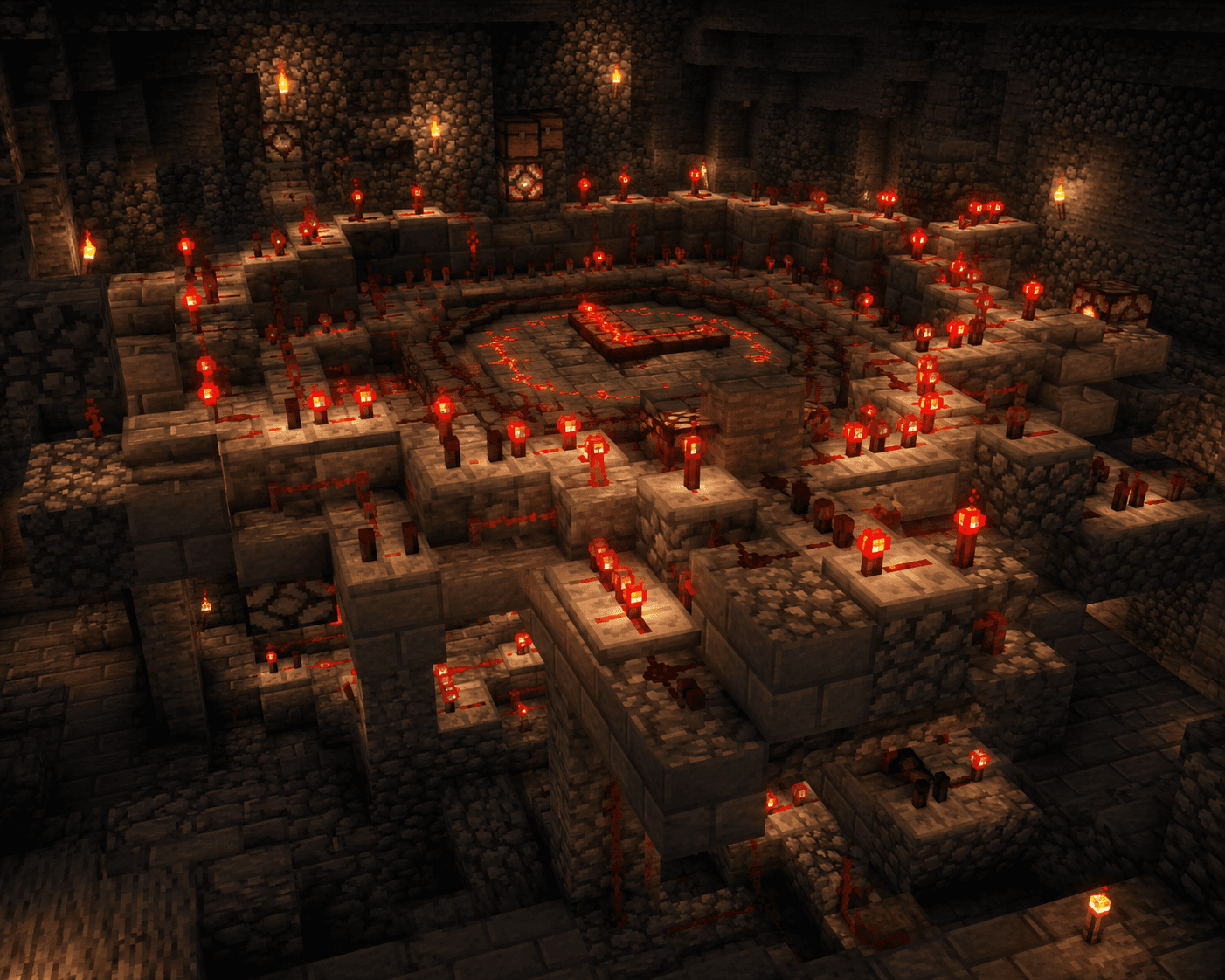

Redstone clocks are one of the most essential components in Minecraft automation. Whether you want to fire a dispenser every few seconds, toggle a piston array, or keep a system looping indefinitely, a clock circuit is what makes it happen. In this guide, we'll cover the most useful clock designs — from beginner-friendly to more advanced — so you always have the right tool for the job.
What Is a Redstone Clock?
A Redstone clock is a circuit that produces a repeating signal — alternating between ON and OFF at a regular interval. Think of it as a timer that keeps firing. They're commonly used to:
- Power automatic farms (like cactus or bamboo farms)
- Trigger dispensers or droppers in a loop
- Create animated doors or drawbridges
- Control the timing of more complex contraptions
Understanding clocks is a key step toward mastering Redstone automation.
1. Torch Clock (The Classic)
This is the simplest clock you can build, and it works in nearly every version of Minecraft.
How to Build It
- Place a solid block on the ground.
- Attach a Redstone Torch to the side of the block.
- Place Redstone Dust on top of the block, connecting back to the torch.
The torch powers the dust, which powers the block, which turns off the torch — and then the cycle restarts. This creates a very fast clock, often too fast for many uses.
Speed Control
To slow it down, insert Redstone Repeaters into the dust line. Each repeater adds delay (up to 4 ticks each), so more repeaters = slower clock.
Pros: Simple, no special materials needed
Cons: Very fast by default, can cause lag in large quantities
2. Observer Clock (The Modern Favorite)
Observer clocks are incredibly popular because they're compact, reliable, and easy to extend.
How to Build It
- Place two Observers facing each other (facing face-to-face).
- The observers will detect each other's state changes and create a rapid pulse loop.
That's it — just two blocks! You can attach outputs off the side of either observer.
Controlling Speed
To slow an observer clock down, break the circuit with a Redstone Repeater in the signal line. Adding one repeater with a 4-tick delay cuts the speed significantly.
Pros: Super compact, very reliable
Cons: Can be very fast — always add a repeater unless you need maximum speed
3. Hopper Clock (Adjustable and Stable)
Hopper clocks are slower, more controlled, and great when you need precise timing over longer intervals.
How to Build It
- Place two Hoppers facing each other (one pointing into the other, and back again).
- Put items inside one of the hoppers — the more items, the slower the clock.
- Place a Comparator next to each hopper, outputting a signal when items are present.
- Connect the comparator outputs as needed.
As items transfer back and forth between hoppers, each comparator fires alternately.
Timing Tips
- Each item takes about 0.4 seconds to transfer.
- With 5 items, each full cycle takes roughly 2 seconds.
- With 64 items per hopper, you can create very long delays — great for timers.
Pros: Very controllable, no repeaters needed
Cons: Requires hoppers (iron), slightly more complex to set up
4. Comparator Clock (Compact and Self-Contained)
This is a clever little circuit that many players overlook.
How to Build It
- Place a Redstone Comparator in a loop with 1–3 pieces of Redstone Dust.
- Add a Redstone Repeater in the loop to keep the signal alive and add delay.
The comparator in "subtract" mode reads its own output and creates a self-sustaining loop. It's compact and works great inside tight builds.
Pros: Very small footprint
Cons: A bit tricky to tune, can be finicky if built wrong
5. Daylight Detector "Clock" (For Long Intervals)
If you need something that fires once per Minecraft day (20 real-world minutes), a Daylight Detector is perfect.
How to Use It
- Place a Daylight Detector on top of a building.
- Set it to daytime or nighttime mode (right-click to toggle).
- Connect it to whatever you want to trigger once a day.
This is great for switching lights on at night, triggering events at dawn, or resetting daily systems.
Pros: Zero setup, completely automatic
Cons: Only fires once per day — not useful for rapid automation
Choosing the Right Clock
Here's a quick reference to help you decide:
- Need it fast? → Observer clock
- Need precise control? → Hopper clock
- Need it compact? → Comparator clock
- Need it simple? → Torch clock with repeaters
- Need daily triggers? → Daylight detector
Common Mistakes to Avoid
Not adding delays: A clock without a repeater can fire so fast it overwhelms your contraption or causes game lag. Always test with a repeater in place.
Forgetting to power it: Some clocks need a short startup pulse before they begin looping. Right-clicking a repeater or placing/removing a block nearby is usually enough.
Building clocks near other circuits: Fast clocks can accidentally power adjacent Redstone. Keep them isolated or use pistons/blocks to separate signal paths.
Final Tips
- Always test your clock in a Creative world before using it in Survival. It's much easier to fix mistakes there.
- Use an on/off lever connected to your clock circuit so you can disable it when not needed. This saves performance.
- Label your clocks with signs in complex builds so you remember what each one does.
Redstone clocks might look intimidating at first, but once you understand the basic patterns, they become second nature. Pick one design, build it a few times, and you'll be automating everything in no time!