
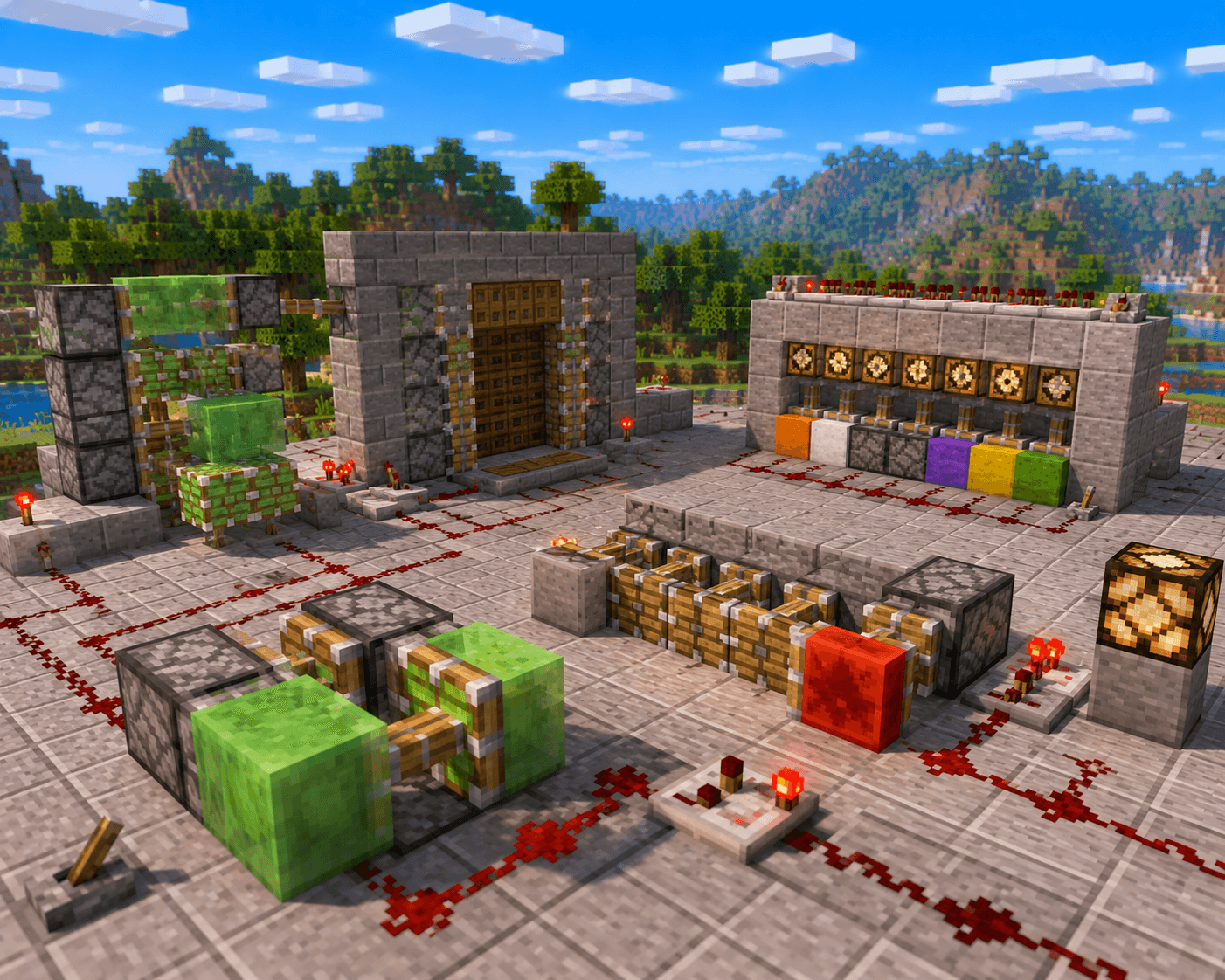

Pistons are one of Minecraft's most versatile blocks. They push and pull blocks, open hidden doors, create automatic farms, launch players, sort items, and build some of the most clever contraptions in the game. If you've been avoiding pistons because they seem complicated, this guide will change that — starting from the basics and building to practical contraptions you'll actually use in survival.
Crafting Pistons
Regular Piston
Pushes blocks forward (1 block). Cannot pull.
Recipe (3×3 crafting table):
P P P
C I C
C R C
(P = any plank, C = cobblestone, I = iron ingot, R = redstone dust)
Sticky Piston
Pushes AND pulls a single block. The most useful variant.
Recipe:
S _ _
P _ _
_ _ _
(S = slimeball, P = regular piston)
Or: combine 1 regular piston + 1 slimeball in a crafting grid.
How Pistons Work
Extension and Retraction
- A piston extends (pushes) when powered by redstone signal
- A piston retracts when the signal stops
- Sticky pistons pull the block they pushed when retracting
- Regular pistons leave the pushed block in place
What Pistons Can Push
Pistons can push up to 12 blocks in a chain. Blocks slide in the direction the piston faces.
Unmovable blocks (pistons can't push these):
- Obsidian, Bedrock, End Portal frames
- Furnaces, Chests, Shulker Boxes (in Java; moveable in Bedrock)
- Enchanting Tables
- Most containers
Moveable blocks (pistons can push these):
- Stone, dirt, gravel, sand, wood
- Glass, wool, concrete
- Slime blocks and honey blocks (which drag adjacent blocks along)
Piston Orientation
Pistons face the direction you're looking when you place them. The head (the side that extends) faces outward. Double-check orientation before powering — it's the most common piston mistake.
Redstone Basics for Pistons
Pistons need a redstone signal to activate. The signal can come from:
- Redstone lever — manual on/off switch
- Redstone button — momentary pulse (retracts automatically)
- Pressure plate — activates when stood on
- Observer — detects block changes and emits a pulse
- Redstone torch — constant signal (inverted by running through a block)
- Comparator / Repeater — control timing and signal strength
Powering a piston:
- Place redstone dust adjacent to the piston
- Place a power source (lever, button) touching the dust
- The piston extends when powered, retracts when not
Direct power: A piston is also activated by placing a powered redstone block or powered block directly adjacent to it.
Contraption 1: Hidden Piston Door (2×2)
The classic hidden door — flush with the wall, opens with a button.
What you need: 4 sticky pistons, 4 building blocks (stone brick), 2 buttons, redstone dust
Build:
- In your wall, create a 2-wide × 2-tall opening
- Place 2 sticky pistons facing inward on the left side of the opening (one at floor level, one at ceiling level)
- Place 2 sticky pistons on the right side mirroring the left
- Attach 2 stone brick blocks to each pair of pistons (these are the "door" blocks)
- Run redstone from a button on each side to both pairs of pistons
Result: Press the button — pistons retract and open a 2×2 doorway. Press again — they extend and the door seals flush with the wall.
Tip: Use the same block as your wall material for the door blocks to make it truly invisible.
Contraption 2: Piston Door with Pressure Plates (Auto-Open)
Same as above but opens automatically when you walk up to it.
Modification: Replace the buttons with pressure plates on the floor in front of each side of the door. As you approach from either side, the plate activates the pistons.
Challenge: You need to prevent the inner pressure plates from locking the door open when you're inside. Add a short redstone delay (repeater set to 2–3 ticks) on the inner plate circuit to give you time to walk through before it opens again.
Contraption 3: Piston-Powered Drawbridge
A bridge that folds away when not needed — great for castle moats.
What you need: 6–10 sticky pistons, wooden planks, redstone dust, lever
Build:
- At your moat edge, place a row of sticky pistons facing horizontally across the moat gap
- Attach a wooden plank block to each piston head
- Connect all pistons to a single lever with redstone dust
Result: Lever on — pistons extend, planks reach across the moat, creating a walkable bridge. Lever off — pistons retract, planks disappear, moat is impassable.
Tip: For a longer bridge, chain sticky pistons together using slime blocks — one piston can drag a column of slime-connected blocks.
Contraption 4: BUD (Block Update Detector) Sugarcane Farm
This is the observer-piston farm described in our sugarcane farm article — but here's the piston logic explained more clearly.
Core principle:
- An observer watches the sugarcane (detects when it grows)
- The observer pulses a piston at height 2 of the cane
- The piston breaks the cane — drops collect in water and flow to a hopper
Why it works: The observer emits exactly 1 tick of redstone when the block it faces changes state. Paired with a piston, this is a self-contained harvest trigger that requires no player interaction.
This is the most practical and commonly built piston contraption in survival Minecraft.
Contraption 5: Piston Boulder Trap
A fun defensive trap for multiplayer — or just aesthetics.
Build:
- Dig a channel in the floor (2 blocks deep, 3 blocks wide, 5 blocks long)
- Fill the channel with sand or gravel
- Above the sand, one block underground on each side, place sticky pistons facing each other
- Connect the pistons to a pressure plate hidden under carpet at the entrance
- When triggered, pistons push the sand/gravel, causing it to avalanche and block the path
Tip: This works best at narrow choke points like cave entrances or doorways. Use with a string-and-tripwire detection system for remote triggering.
Understanding Slime Blocks and Honey Blocks
Slime blocks stick to most blocks. When a sticky piston moves a slime block, it drags adjacent blocks along with it — up to the 12-block limit. This allows you to build flying machines and multi-block moving platforms.
Honey blocks are similar but don't stick to slime blocks — meaning you can use the two together to control which blocks move and which don't. This is how advanced Bedrock flying machines work.
Flying machine basics:
- Place observers and pistons facing each other with slime blocks between them
- Power one piston — it extends into the observer, which triggers the other piston, which retracts and pulls the whole assembly — creating infinite motion
- The machine travels in one direction indefinitely (until it hits a wall)
Flying machines are used in large-scale farms (moving bone meal across crops), creative mode mega builds, and transportation systems.
Common Mistakes with Pistons
- Wrong orientation — piston faces away from where you want it to push. Always place while facing the correct direction.
- Powering from the front — a block directly in front of a piston's head blocks it. Power from the sides or back.
- Sticky piston pulling wrong block — it pulls whatever block is directly on its head when it retracts. Make sure the right block is in position.
- More than 12 blocks in chain — pistons simply won't extend if more than 12 moveable blocks are in the push path.
- Trying to move containers — most containers (chests, furnaces) can't be moved by pistons in Java Edition.
Final Tips
- Practice in Creative mode first — piston contraptions are hard to debug in Survival. Build your design, test it, then rebuild in your survival world.
- Use F3 to check block facing direction while building — it shows the direction a piston will face
- Label your redstone — place signs near circuits to remember what each lever or button does
- Start with the sugarcane farm — it's the easiest practical piston build and teaches observer + piston logic perfectly
Once you understand how pistons move blocks and respond to redstone, the possibilities are genuinely limitless. Pistons are the foundation of the most impressive creations in Minecraft — and they're more accessible than they look.