
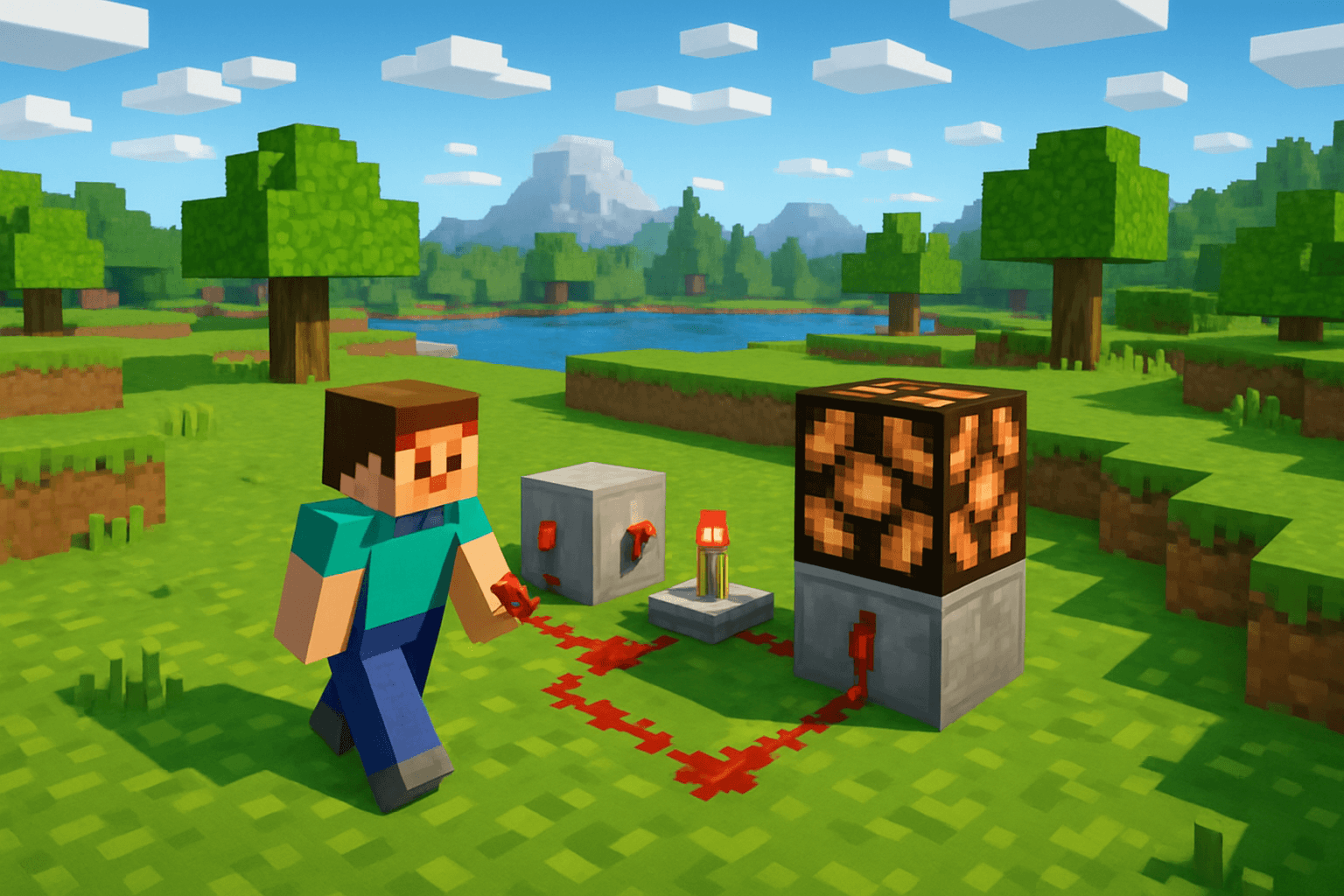

Redstone is Minecraft's version of electricity. It might look intimidating at first glance, but once you understand a handful of core concepts, you will be building automatic doors, hidden staircases, and complex farms in no time. This guide walks you through everything you need to know as a complete beginner.
What Is Redstone and Why Does It Matter?
Redstone dust is a material you mine underground, typically between Y level 0 and Y level 16. When placed on the ground, it acts as a wire that carries a signal. When that signal reaches a device — a piston, a door, a dispenser — it activates it.
Understanding redstone is one of the most powerful skills you can develop in Minecraft. It unlocks automation, which means you can build systems that do work for you while you sleep in-game or focus on other projects. Iron farms, automatic crop harvesters, hidden storage rooms, and mob grinders all rely on redstone.
Power Sources
Every redstone circuit needs a power source. Here are the most common ones:
- Lever — Toggles on and off. Great for permanent switches like lighting or doors.
- Button — Sends a brief pulse when pressed. Use it when you only need a momentary activation.
- Pressure Plate — Activates when a player or mob stands on it. Useful for automatic doors.
- Redstone Torch — Emits a constant signal. Also inverts power (a powered block next to a torch turns the torch off).
- Daylight Sensor — Outputs a signal based on sunlight. Useful for automatic lights that turn on at night.
- Observer — Detects block changes in front of it and sends a pulse. Essential for farms.
- Redstone Block — A solid block that constantly emits power in all directions.
Redstone Dust and Signal Strength
When you place redstone dust, it carries a signal from the source. That signal starts at strength 15 and decreases by 1 for every block it travels. After 15 blocks, the signal dies out.
To extend your signal, use a Repeater. A repeater refreshes the signal back to full strength and can also add a timing delay (from 1 to 4 redstone ticks). This delay is useful for timing contraptions or creating clock circuits.
Comparators
The Redstone Comparator is slightly more advanced but incredibly useful. It can:
- Compare two signal strengths and output the difference
- Detect the fill level of a container (like a chest or furnace) and output a corresponding signal strength
Comparators are essential for automated smelters, item sorters, and storage systems that trigger when full.
Pistons and Sticky Pistons
Pistons push blocks when activated. Sticky pistons both push and pull a block. These are the backbone of many redstone builds:
- Automatic door using pistons and pressure plates
- Hidden staircase using sticky pistons and a lever
- Piston bolt (a fast transportation system)
- Flying machines using slime blocks and pistons
Your First Redstone Build: Automatic Door
Here is an easy first project:
- Dig out a 1x2 opening for your door
- Place two pistons facing inward, one on each side of the opening at floor level
- Place a solid block on the face of each piston
- Run redstone from each piston down to a pressure plate on the floor in front of the door
When you step on the plate, both pistons extend, pushing the blocks out of the way. Step off and the door closes automatically.
Your Second Build: Hidden Lever Room
- Build a wall with a painting on it
- Behind the painting, place a sign on the wall (paintings attach to signs and hang freely)
- Add a lever on a hidden block nearby
- Wire the lever to a sticky piston that pushes a block in the wall away, revealing a passage
Common Redstone Mistakes to Avoid
- Forgetting signal range. Redstone signal only travels 15 blocks without a repeater. If your device is not activating, check your signal length.
- Powering blocks vs. powering dust. There is a difference between a block being "powered" and being "strongly powered." Some components only activate under certain conditions.
- Torch burnout. If you rapidly toggle a redstone torch on and off too many times, it will burn out temporarily. Use repeaters in clock circuits to avoid this.
- Overlapping signals. Two circuits running side by side can accidentally connect. Use redstone on different levels or use glass blocks to prevent unintended connections.
Pro Tips
- Use F3 to check coordinates and see block states while building.
- Slabs and stairs do not carry redstone signals, which is useful for routing circuits past each other.
- A clock circuit sends a repeating pulse. The simplest is a loop of repeaters. Use this to automate farms that need a periodic trigger.
- Trapdoors can be activated by redstone and are great for compact builds.
- Always test your circuit in a creative world before building it in survival.
FAQ
Q: Can redstone signals go through walls? A: Yes, redstone dust and components can be placed on any solid surface. However, the signal does not pass through a block unless a component on the other side is powered by it. Use repeaters or wiring on the other side of walls.
Q: What is the difference between a repeater and a comparator? A: A repeater boosts and optionally delays a signal. A comparator compares signal strengths or reads container levels. Both are essential tools but serve completely different purposes.
Q: How do I make a redstone clock? A: The simplest clock is a loop of 2-5 repeaters connected end to end. Power the loop once and it will pulse indefinitely. Increase the delay on each repeater to slow the clock down.
Conclusion
Redstone mastery starts with one simple circuit. Build an automatic door. Then a hidden lever room. Then a mob farm. Every complex machine is just a combination of simple components you already understand. Start small, experiment freely, and before long you will be building contraptions that genuinely impress.
Looking for more automation ideas? Check out our guides on automatic sugarcane farms and piston basics to keep leveling up your redstone skills.